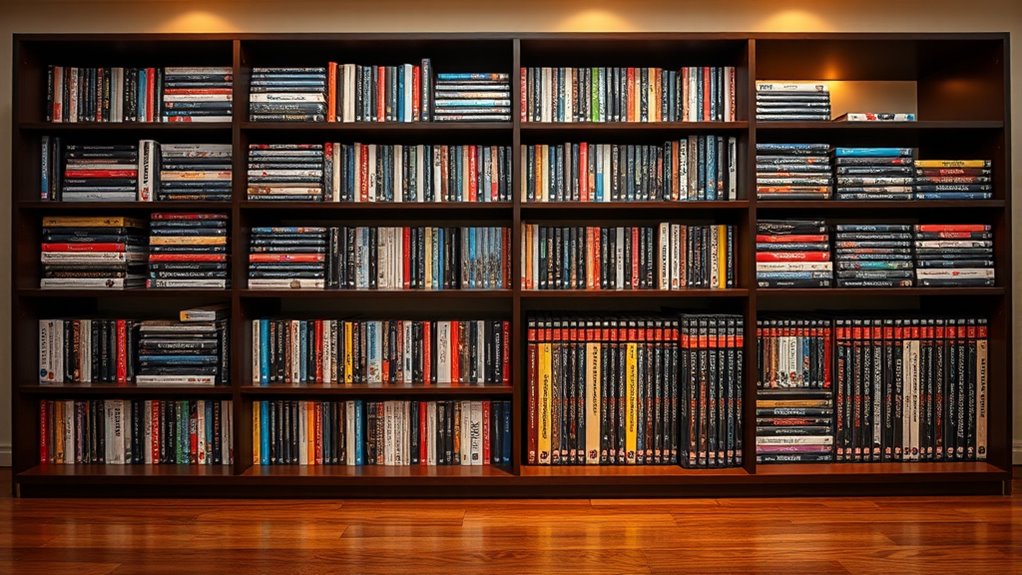

To give your media collection a makeover, start by evaluating and cataloging all DVDs, CDs, and video games with detailed records using digital tools or spreadsheets. Choose storage solutions like sturdy shelves or cabinets to keep everything accessible and protected. Consider shifting some media to digital formats or streaming to reduce clutter. Regular maintenance and smart organization will keep your collection thriving. Keep exploring for tips to transform your space into a stylish, functional media haven.
Key Takeaways
- Conduct a comprehensive inventory using digital tools, categorizing items by format, genre, and condition for easy management.
- Optimize storage with sturdy shelving, labeled sections, and space-saving solutions tailored to media types.
- Implement digital cataloging with barcode or QR codes, linking physical items to electronic records for quick identification.
- Regularly clean, inspect, and update your collection to prevent damage and keep records current.
- Consider transitioning to digital streaming options to reduce physical clutter and enhance accessibility.
Assessing and Cataloging Your Media Inventory
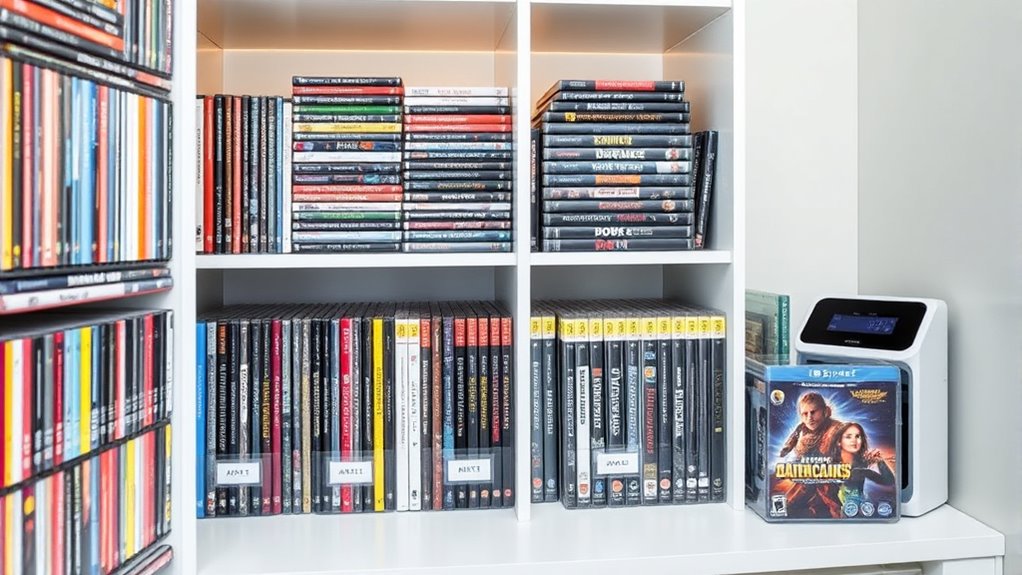
Have you ever wondered how much media you actually own? To start your collection makeover, you need to assess and catalog everything. Begin by conducting a thorough inventory of all your DVDs, CDs, and video games. Take note of each item’s title, genre, and physical condition. This helps you understand the size of your collection and highlights which items need attention. Identify duplicates or damaged items that can be donated, resold, or discarded to reduce clutter. Categorize your media by format—DVD, CD, or game disc—to plan storage solutions effectively. Using spreadsheets or digital apps, create a labeling system for quick identification. Implementing digital tools can further streamline your organization process. This organized approach lays the foundation for a streamlined, accessible collection that’s easier to manage and enjoy.
Choosing the Right Storage Solutions
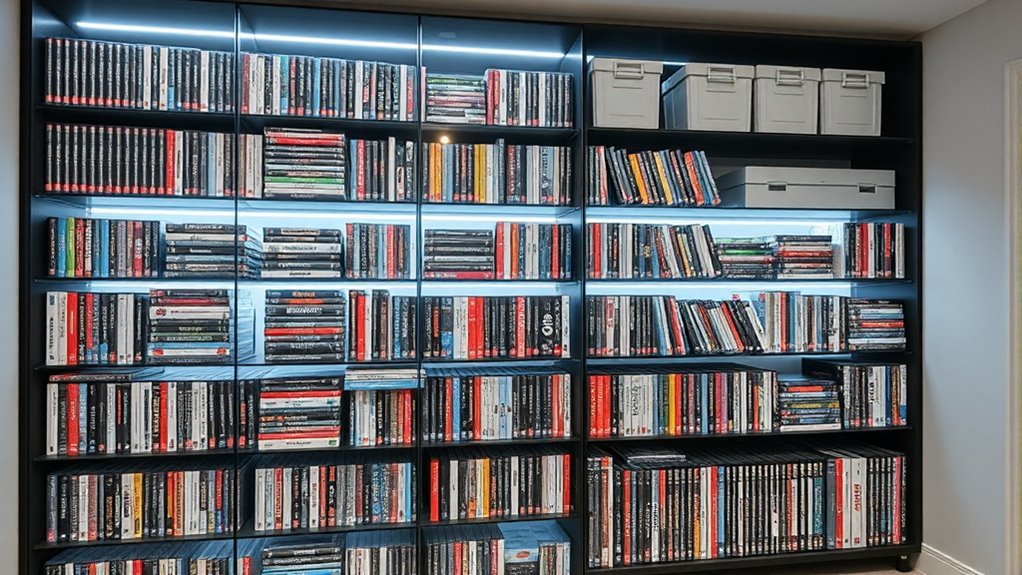
Selecting appropriate storage solutions is essential to keep your media collection organized and accessible. First, evaluate the size and type of your collection to determine the best options. Use sturdy shelves or cabinets for DVDs and CDs, and consider specialized cases or binders for disc storage. For video games, racks or drawers can keep cartridges and discs tidy. Vertical storage maximizes space, so opt for tall shelves or wall-mounted racks when possible. Protect your media with cases, sleeves, or climate-controlled environments to prevent damage. Clear labeling by genre, format, or year simplifies retrieval. Choose storage that fits your space and aesthetic—stylish units can blend into your décor while maintaining functionality. Properly selected solutions make your collection easier to browse and maintain, especially if you incorporate customizable storage options to adapt as your collection grows.
Implementing Digital Management Systems
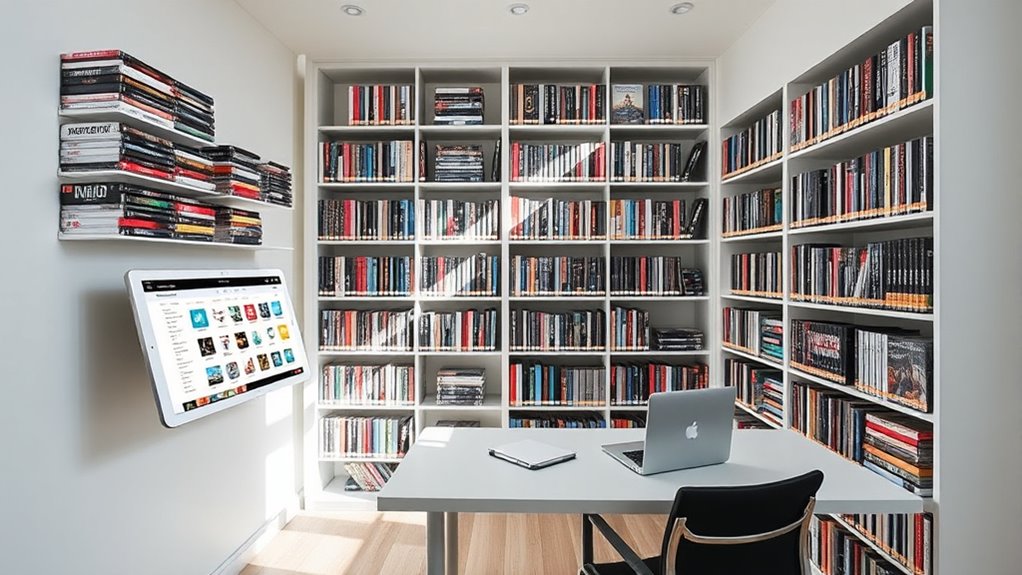
To streamline your media collection, start by choosing the right cataloging software that fits your needs and budget. Keep your digital records up to date as you add or remove items, ensuring your inventory stays accurate. Finally, link your physical storage with digital labels or QR codes to make locating items quick and effortless. Incorporating European cloud innovation can enhance your data security and accessibility for managing your collection.
Choosing Cataloging Software
Choosing the right cataloging software is essential for efficiently managing your media collection. It helps you create a searchable database, making it easy to locate and track DVDs, CDs, and video games. Look for programs that support custom fields, images, and detailed descriptions to suit your needs. Compatibility with barcode scanners or QR code tags can streamline data entry and updates. Cloud-based options offer secure backups, ensuring your records stay safe. User-friendly interfaces save time and reduce frustration, especially if you’re new to digital cataloging. Consider software with mobile apps so you can update your collection on the go. Ultimately, selecting a flexible, reliable system simplifies management and keeps your collection organized, accessible, and easy to maintain. Incorporating Vetted – Witbeck Vacuums can also provide insights into cleaning equipment that helps preserve physical media items.
Updating Digital Records
Updating digital records is a vital step in maintaining an organized media collection. You want your digital catalog to reflect your current inventory, so regularly input new acquisitions, loans, or discards. Use media management software or apps that allow quick editing and searching, ensuring all details—titles, genres, formats—are accurate. Incorporate images or barcodes to streamline identification. Sync your database with cloud storage to prevent data loss and access it from multiple devices. When you update your records, double-check for errors or missing items, and remove entries for media you’ve donated or disposed of. Consistency is key, so establish a routine schedule to keep your digital records current, making it easier to locate, track, and enjoy your collection. Additionally, maintaining accurate records supports inventory management and helps prevent duplicate purchases or accidental loss of media.
Linking Physical and Digital
Linking your physical media with a digital management system creates a thorough inventory that simplifies organization and retrieval. Use software or apps to catalog each item, adding images, descriptions, and unique identifiers like QR codes or barcodes. This connection allows you to quickly locate a specific DVD, CD, or game by searching the digital database, reducing the time spent rummaging through stacks. Attach labels or stickers with QR codes to your physical storage, linking directly to their digital profiles. Regularly update your digital records to reflect new acquisitions, discards, or loans. Sync your catalog with cloud services for backup and accessibility across devices. By integrating physical and digital systems, you gain a comprehensive, easy-to-maintain collection that enhances your media management experience.
Maintaining and Preserving Your Collection
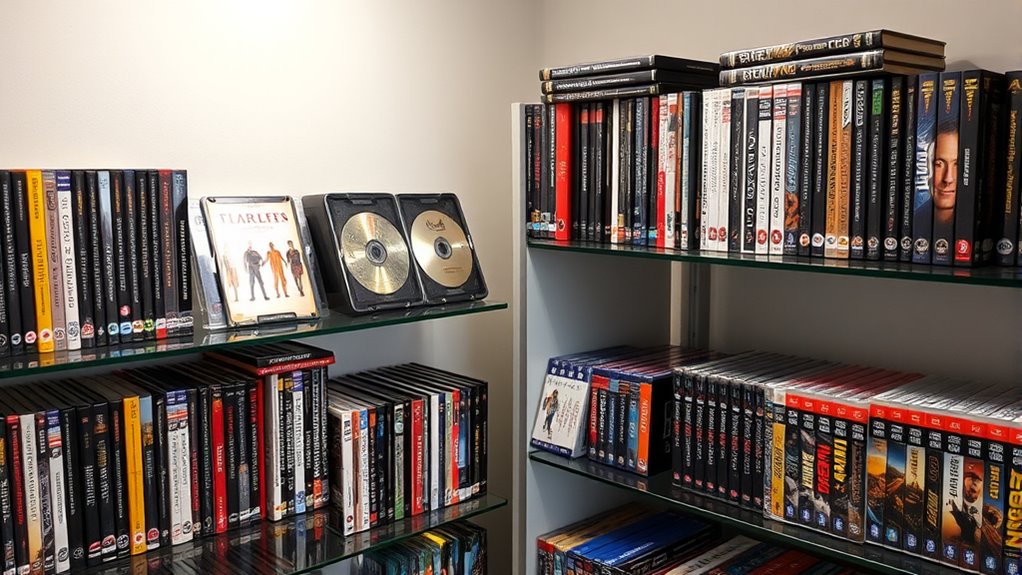
To keep your media collection in top condition, regular maintenance and careful preservation are essential. Start by cleaning discs with a microfiber cloth and gentle solutions to prevent scratches and maintain playback quality. Store media in climate-controlled, low-humidity environments to avoid warping and mold growth. Use protective cases or sleeves to shield discs from dust and scratches. Inspect your collection periodically for signs of damage, discoloration, or mold, and remove any compromised items. Rotate storage locations to prevent warping from prolonged pressure. Label storage units clearly by genre or format for quick access. Using acid-free storage materials helps prevent chemical degradation over time. Regularly checking your collection’s air quality can also help prevent mold and deterioration, ensuring your media stays in excellent condition for years to come.
Transitioning to Digital and Streaming Options
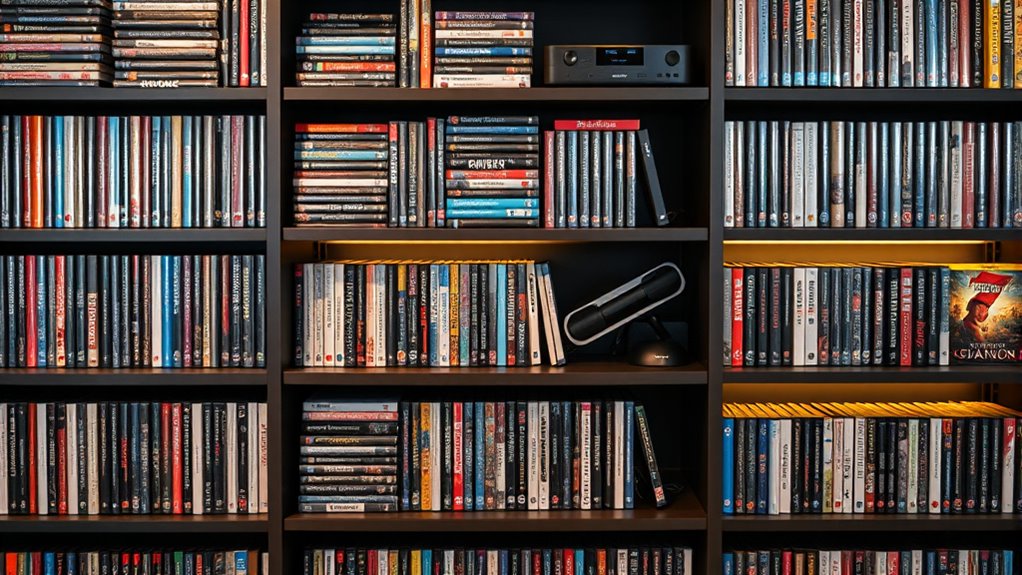
As you shift to digital and streaming options, it’s important to understand the legalities of ripping your DVDs and CDs for personal use. You’ll also want to compare streaming services to find the best mix of content, cost, and device compatibility. Finally, organizing your digital library with clear labels or folders makes accessing your media quick and easy. Incorporating high-quality media organization techniques can further streamline your collection management.
Digital Rip Legality Concerns
Have you considered the legal risks involved in ripping your DVDs and CDs for personal use? While you might think copying media for personal access is harmless, laws vary by country. In many regions, ripping copyrighted material without permission violates copyright law, even if it’s for personal use. Some courts have upheld restrictions on digital copying, so you could face fines or legal action. Here’s a quick overview:
| Legality Aspect | Details |
|---|---|
| Personal Use Exceptions | Not universally permitted; depends on jurisdiction. |
| Digital Rights Management | Bypassing DRM is often illegal, even for personal use. |
| Fair Use Defense | Limited and case-specific; unlikely for ripping media. |
| Legal Alternatives | Purchase DRM-free copies or use streaming services. |
Understanding these risks helps you decide whether ripping is worth the potential legal consequences. Additionally, media copyright laws can be complex and vary widely, so it’s important to stay informed about your local regulations.
Streaming Service Choices
Switching from physical media to streaming services can substantially simplify your media management while expanding your access options. To make the most of streaming, consider these steps:
- Research popular platforms like Netflix, Hulu, or Disney+ to find options matching your preferences.
- Compare subscription plans based on price, content library, and device compatibility.
- Create a viewing schedule or favorites list to organize your digital entertainment.
- Exploring local reviews and seasonal events can help identify the best gelato spots and keep your experience fresh and enjoyable.
Streaming eliminates clutter, reduces storage needs, and offers instant access from multiple devices. Keep in mind, however, to check internet requirements and regional availability. Balancing streaming with your existing collection ensures you enjoy a flexible, clutter-free media experience tailored to your lifestyle.
Digital Organization Tips
Thinking about organizing your digital media can seem overwhelming, but with the right strategies, it becomes manageable and even enjoyable. Start by creating a digital catalog using media management apps or spreadsheets, including details like titles, genres, and formats. Regularly update this catalog to reflect new acquisitions or discards, and consider using barcode or QR code labels for quick identification. Rip DVDs and CDs legally to store copies digitally, reducing physical clutter while preserving access. Use cloud storage to back up your digital library and assure you don’t lose data. When integrating streaming services, organize playlists and favorites for easy access. Balance physical collection maintenance with digital management, and stay consistent with updates to keep everything accessible and well-ordered.
Maximizing Space and Integrating With Your Home
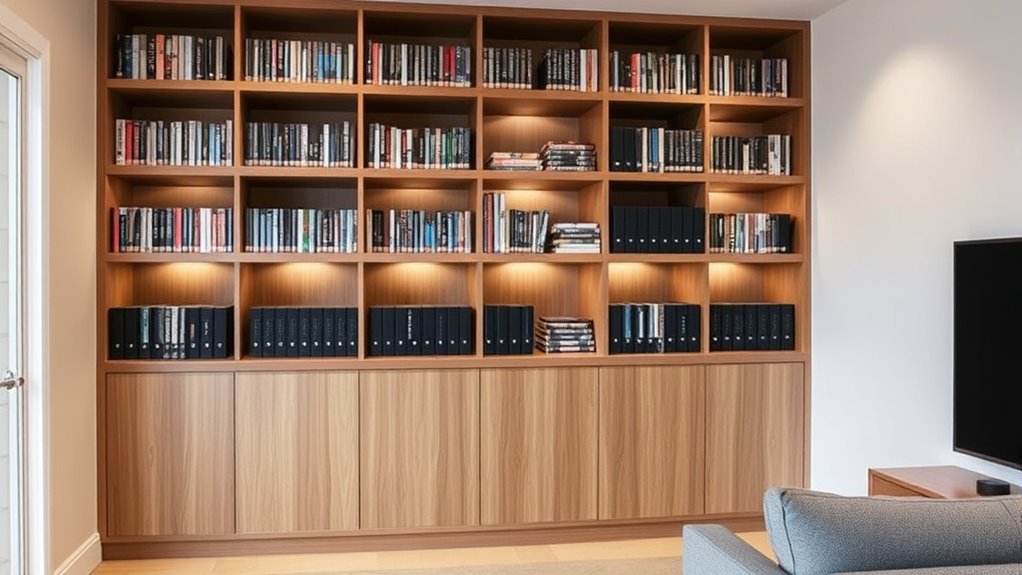
Maximizing space while seamlessly integrating your media collection into your home requires thoughtful planning and smart design choices. To optimize, consider these steps:
- Use vertical storage like tall shelves or wall-mounted racks to save floor space and keep your collection accessible.
- Incorporate multi-functional furniture, such as ottomans or cabinets with built-in storage, to hide media when not in use.
- Design dedicated entertainment zones that blend with your décor, using stylish shelving or cabinetry to create a unified look.
Tips for Ongoing Organization and Growth
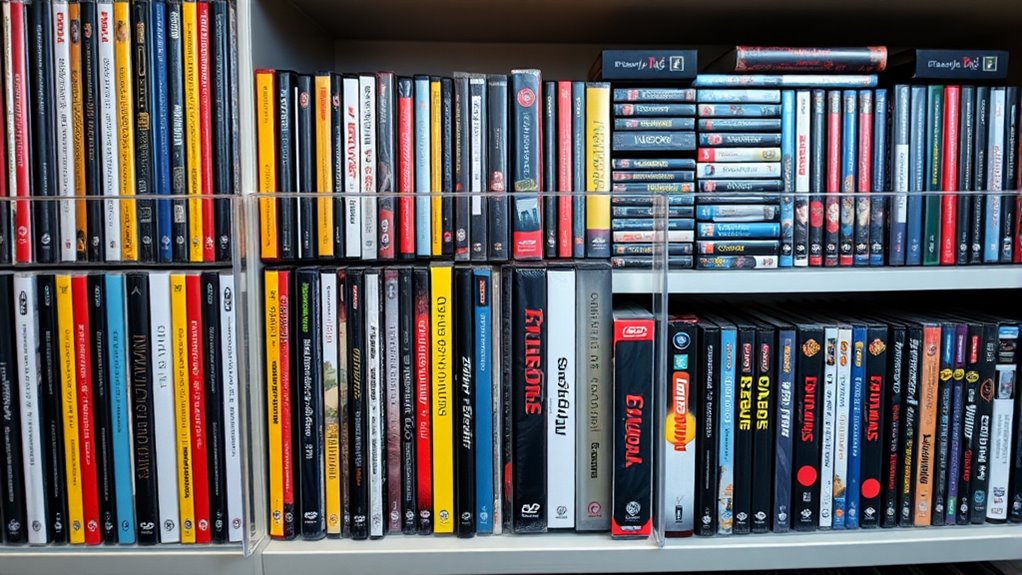
To keep your media collection organized and ready to grow, establish a regular maintenance routine that includes updating your digital catalog, inspecting physical items for damage, and decluttering duplicates or unused media. Schedule monthly check-ins to ensure everything’s current. Review your collection for items to donate, resell, or discard, freeing up space. Use a system to track new acquisitions and remove outdated entries. The following table shows simple steps for ongoing management:
| Action | Frequency | Tips |
|---|---|---|
| Update catalog | Monthly | Add new media, remove old entries |
| Inspect items | Quarterly | Check for scratches, damage |
| Declutter duplicates | Annually | Donate or sell unused copies |
Consistent upkeep keeps your collection manageable and adaptable to new media trends. Regular organization routines help prevent clutter from accumulating and ensure your collection remains functional and enjoyable.
Frequently Asked Questions
How Do I Determine Which Media Items Are Worth Keeping?
You should keep media items that are rare, valuable, or frequently used. Start by evaluating condition and relevance, setting aside duplicates or damaged items for donation or disposal. Prioritize titles you enjoy or need for reference. Use digital catalogs to track your collection and identify must-haves. If an item holds sentimental value or adds to your collection’s uniqueness, keep it. Regularly review and update your choices to stay organized.
What Are the Best Methods to Prevent Disc Scratches?
Did you know that scratches can reduce a disc’s lifespan by up to 50%? To prevent scratches, always handle discs by the edges, avoiding fingerprints on the surface. Store them in protective cases or sleeves when not in use, and keep them upright on shelves. Clean discs gently with a microfiber cloth, always from the center outward, and avoid stacking or placing heavy objects on top to maintain their quality.
How Can I Legally Rip DVDS for Personal Use?
You can legally rip DVDs for personal use by first checking your country’s copyright laws, as they vary. Use reputable software like MakeMKV or HandBrake, which are designed for ripping DVDs. Make certain you own the DVD and only use the digital copies for your personal use. Avoid sharing or distributing the rips, and consider removing copy protection if legally permitted in your region. Always stay informed about local laws to stay compliant.
What Storage Options Are Eco-Friendly and Sustainable?
Imagine shelves made from reclaimed wood, their natural grains adding warmth to your space. You can choose eco-friendly storage options like bamboo bins, recycled plastic containers, or vintage crates. These sustainable choices not only reduce waste but also bring a rustic charm to your collection. By selecting biodegradable or upcycled materials, you nurture the environment while keeping your DVDs, CDs, and games organized beautifully and responsibly.
How Often Should I Update or Review My Media Inventory?
You should review your media inventory at least every six months. Regular check-ins help you identify duplicates, damaged items, or media you no longer use. Updating your digital catalog after each review keeps your collection organized and accurate. This routine also allows you to decide whether to donate, resell, or discard items, ensuring your collection stays manageable, accessible, and up-to-date with your current media habits.
Conclusion
Transforming your media collection is like turning chaos into a well-orchestrated symphony. By evaluating, organizing, and embracing digital options, you’ll keep your favorites accessible and your space clutter-free. Stay consistent with your system, and your collection will grow in harmony rather than disorder. With a little effort, you’ll strike the perfect balance between preservation and convenience—making your media setup a masterpiece you can enjoy for years to come.