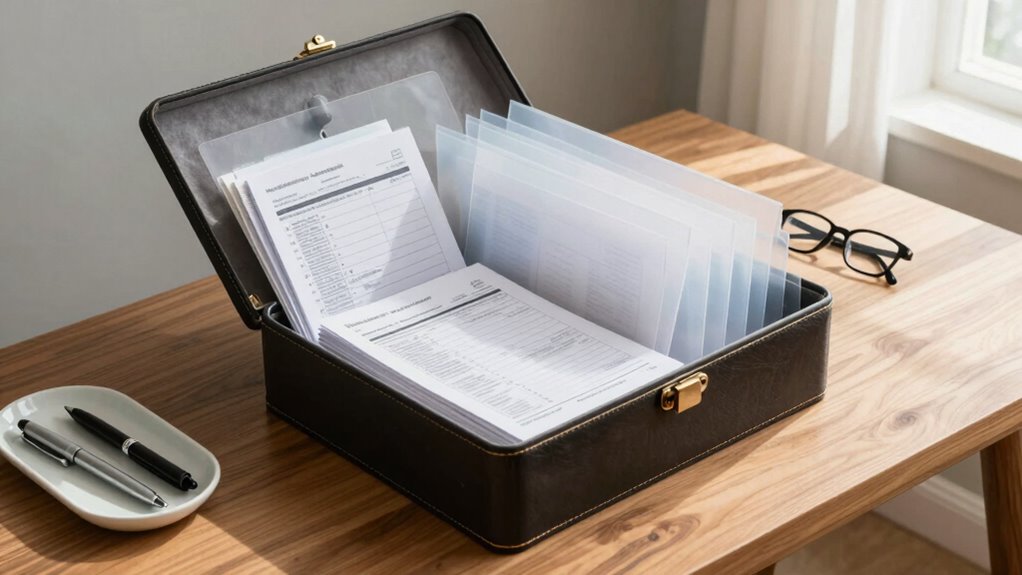

To store receipts, tax papers, and important documents securely, scan or photograph them and save digital copies in encrypted folders or trusted cloud services for easy access and safety. Organize physical copies in labeled folders stored in fireproof, waterproof safes or locked cabinets. Regularly review and update your files, keeping essential documents in a dedicated, secure spot. Continuing will show you how to enhance your organization and guarantee your records stay protected.

Get the little things that make your day delivered free — and shop member deals
- Fast, free delivery on millions of items
- Access to Prime Big Deal Days deals on October 6–7
- Prime Video, Amazon Music and more included
Key Takeaways
- Digitize receipts and tax papers promptly using scanners or smartphone apps for easy access and backup.
- Store physical documents in labeled, fireproof, waterproof safes or locked cabinets for security.
- Use encrypted digital folders or trusted cloud services for secure, organized digital storage.
- Regularly review and update both physical and digital files to maintain organization and prevent clutter.
- Keep critical documents in a separate, easily accessible, secure location for emergencies.
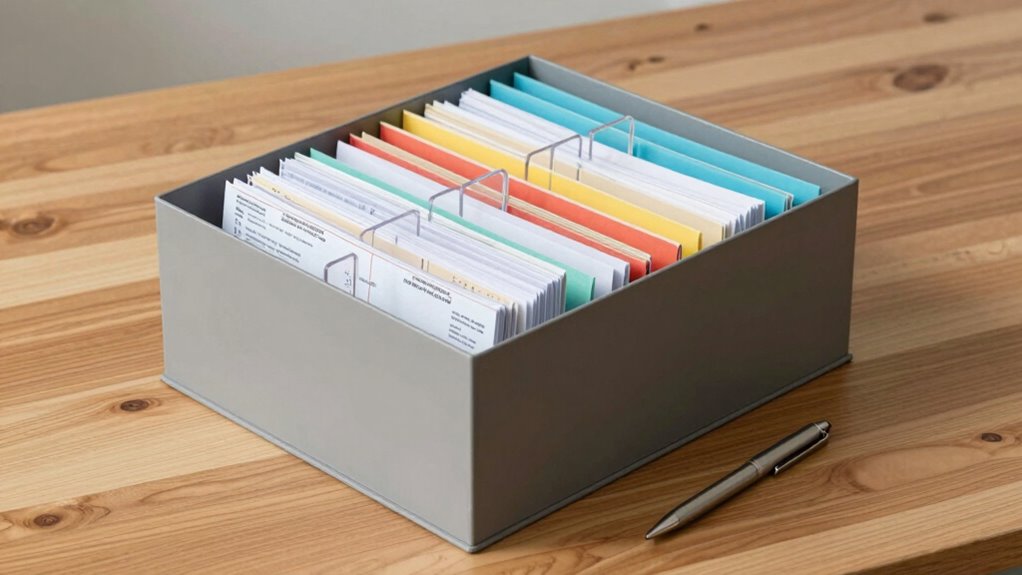
Have you ever lost an important receipt or document when you needed it most? It’s frustrating, especially when you’re trying to file your taxes or prove a claim. The key to avoiding these headaches is establishing a reliable system for storing your receipts, tax papers, and important documents. One of the best ways to do this is through secure filing combined with digital backups. Digital backups are crucial because they protect your documents from physical damage, theft, or misplacement. By scanning your receipts and paperwork, you create a digital record that you can access anytime, anywhere. This also makes it easier to organize and search for specific documents without rummaging through piles of paper.
Secure filing is equally important. Whether you opt for physical folders or a combination of digital and paper storage, make sure everything is well-organized. Use clearly labeled folders for different categories—such as medical bills, business receipts, or insurance documents—so you can find what you need quickly. Keep physical copies in a fireproof, waterproof safe or a locked filing cabinet to prevent theft or damage. For digital files, store them in encrypted folders or use reliable cloud storage services that offer encryption and regular backups. This way, if your device crashes or gets stolen, your documents remain safe and accessible. Incorporating digital organization techniques can further enhance your efficiency and document management.
To streamline your process, consider setting a regular schedule for updating your files. Weekly or monthly reviews help guarantee that new receipts and documents are promptly added, reducing clutter and confusion later. When you receive a receipt or important document, take a moment to scan or photograph it and save it securely. Don’t forget to back up your digital copies frequently—automatic cloud backups make this simple, so you don’t have to remember to do it manually. Additionally, keep physical copies of critical documents like birth certificates, Social Security cards, or property deeds in a separate, secure location, ideally in a fireproof safe. Maintaining a comprehensive record of your important documents ensures you’re well-prepared for any situation. Implementing document management strategies can also help keep your files organized and easily accessible when needed.
fireproof waterproof document safe
As an affiliate, we earn on qualifying purchases.
As an affiliate, we earn on qualifying purchases.
Frequently Asked Questions
How Long Should I Keep Different Types of Documents?
You should keep most documents for at least seven years to allow for proper document archiving and tax audits. For important papers like property records and investment documents, consider a permanent or long-term storage plan for paper preservation. Receipts related to warranties or insurance claims should be kept until the warranty expires or claims are settled. Regularly review and organize your files to guarantee your paper preservation system remains effective and up-to-date.
What Is the Best Digital Storage Method?
The best digital storage method is to use a secure cloud service with strong cloud security features. You should regularly create a digital backup of your receipts, tax papers, and important documents, ensuring they’re encrypted and protected. Look for providers that offer automatic backups, multi-factor authentication, and reliable data recovery options. This way, your documents stay safe, accessible, and organized, even if your device is lost or damaged.
How Do I Organize Receipts Efficiently?
Organizing receipts is like untangling a knot—you need patience and a clear plan. Start by sorting receipts into categories like business, personal, and taxes. Use separate folders or envelopes for each, and consider labeling them for easy access. Regularly review and discard outdated receipts. This paper categorization simplifies your process, helps you find what you need quickly, and keeps your financial records neat and manageable.
Are There Secure Storage Options for Sensitive Documents?
Yes, you can keep your sensitive documents secure with options like secure safes and cloud encryption. A fireproof, waterproof safe provides physical security, while cloud services with strong encryption protect digital files. Make sure to choose a reputable provider and use strong, unique passwords. Combining both options gives you layered protection, ensuring your important documents stay safe from theft, fire, or natural disasters.
How Often Should I Review and Declutter Stored Papers?
You should review and declutter your stored papers at least once a year. Regularly doing paper preservation and document archiving prevents clutter from piling up and helps you stay organized. Some may worry it’s a hassle, but setting a yearly reminder makes it manageable. During this review, discard outdated papers and guarantee everything’s properly stored, keeping your important documents accessible and protected for future needs.
encrypted digital folder storage
As an affiliate, we earn on qualifying purchases.
As an affiliate, we earn on qualifying purchases.
Conclusion
Think of your important documents as treasures in a well-guarded chest. When you store receipts and tax papers securely and organized, you’re building a sturdy fortress that protects your financial future. Keep your treasure chest tidy and accessible, so you can easily find what you need and avoid losing precious items. With a little effort, your documents become a reliable vault—ready to support you when you need them most, just like a trusty treasure chest in a pirate’s cove.
lockable filing cabinet for important documents
As an affiliate, we earn on qualifying purchases.
As an affiliate, we earn on qualifying purchases.
As an affiliate, we earn on qualifying purchases.
Fall Picks
fall essentials
As an affiliate, we earn on qualifying purchases.